
1IRCC
Check IRCC for status
Your IRCC account is the source of truth for what stage your file is at. Nothing here changes that.
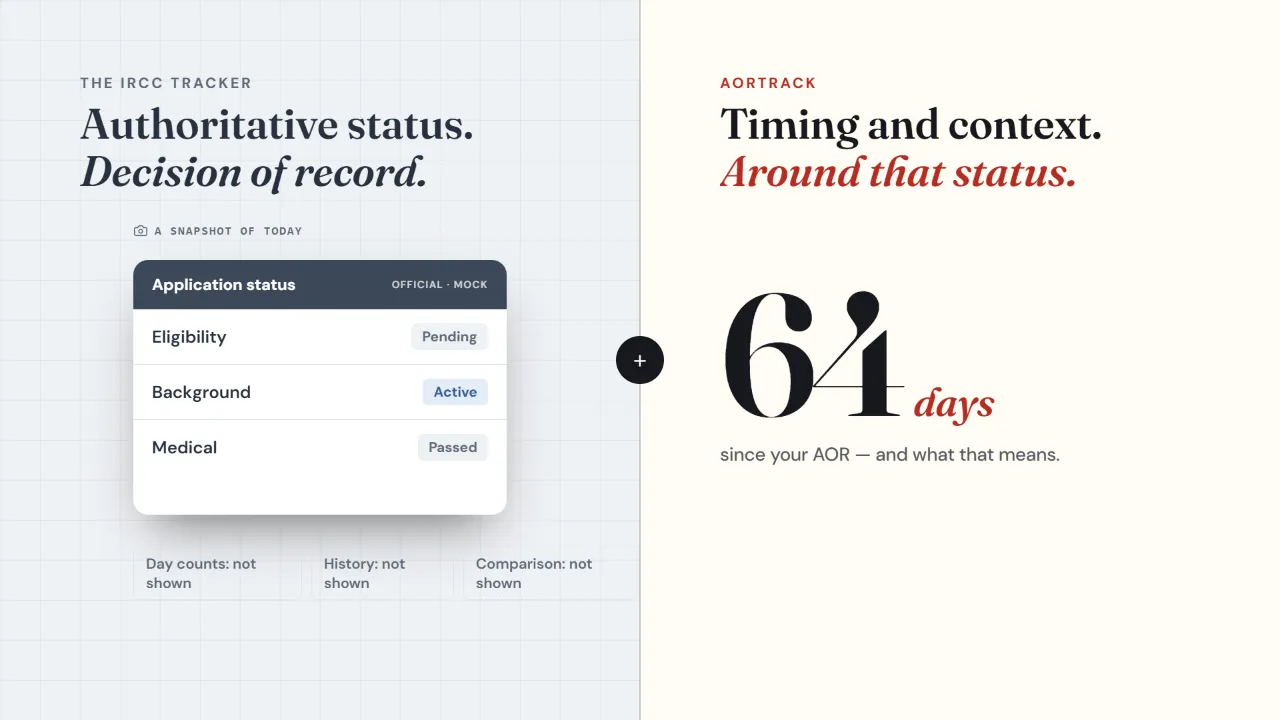
Always trust the official IRCC tracker for your file's status - nothing replaces it. But it shows a snapshot with no day counts, no history, and no way to know if your pace is normal. That's the gap we fill. Here's exactly what each tool does, side by side, so you know which to open and when.

The official IRCC status tracker is the authoritative source for your file - always trust it over any third-party tool. Its one limitation is that it shows current status with no timing, history, or comparison. AORTrack adds exactly that layer: day counts, expected windows, and how your file sits against everyone who applied the same month.
AORTrack is not affiliated with IRCC and has no access to IRCC systems. You log what the official tracker shows you.Side by side
| Capability | IRCCofficial tracker | AORTracktiming & context |
|---|---|---|
| Authoritative file status | ||
| Official decision of record | ||
| Days since AOR | ||
| History of when each stage changed | ||
| Typical day for your pathway & stream | ||
| Expected decision window | ||
| Comparison to your AOR-month cohort | ||
| Community timelines from real applicants | ||
| Background-check sub-stage tracking |
The honest version
Neither tool replaces the other. Check IRCC for status, log it here, then see whether you're on pace.
Your IRCC account is the source of truth for what stage your file is at. Nothing here changes that.
Tick the milestone and its date. Two minutes. We turn a bare status into a day count, a trend, and a cohort comparison.
Know whether your file is ahead, level, or behind others who applied the same month - and roughly when the next stage should land.
Common questions
Free · complements the official tracker
Log what your IRCC account shows and see it in context in under two minutes.